AudioQuest JitterBug FMJ - USB Data & Power Noise Filter
AudioQuest JitterBug FMJ - USB 2
Many tens of thousands of music lovers are already enjoying better audio enabled by the original AudioQuest JitterBug USB Noise Filter - whether plugged into a car’s USB jack, or a laptop computer, or a USB “service-only” jack on an Ethernet Streamer, etc…
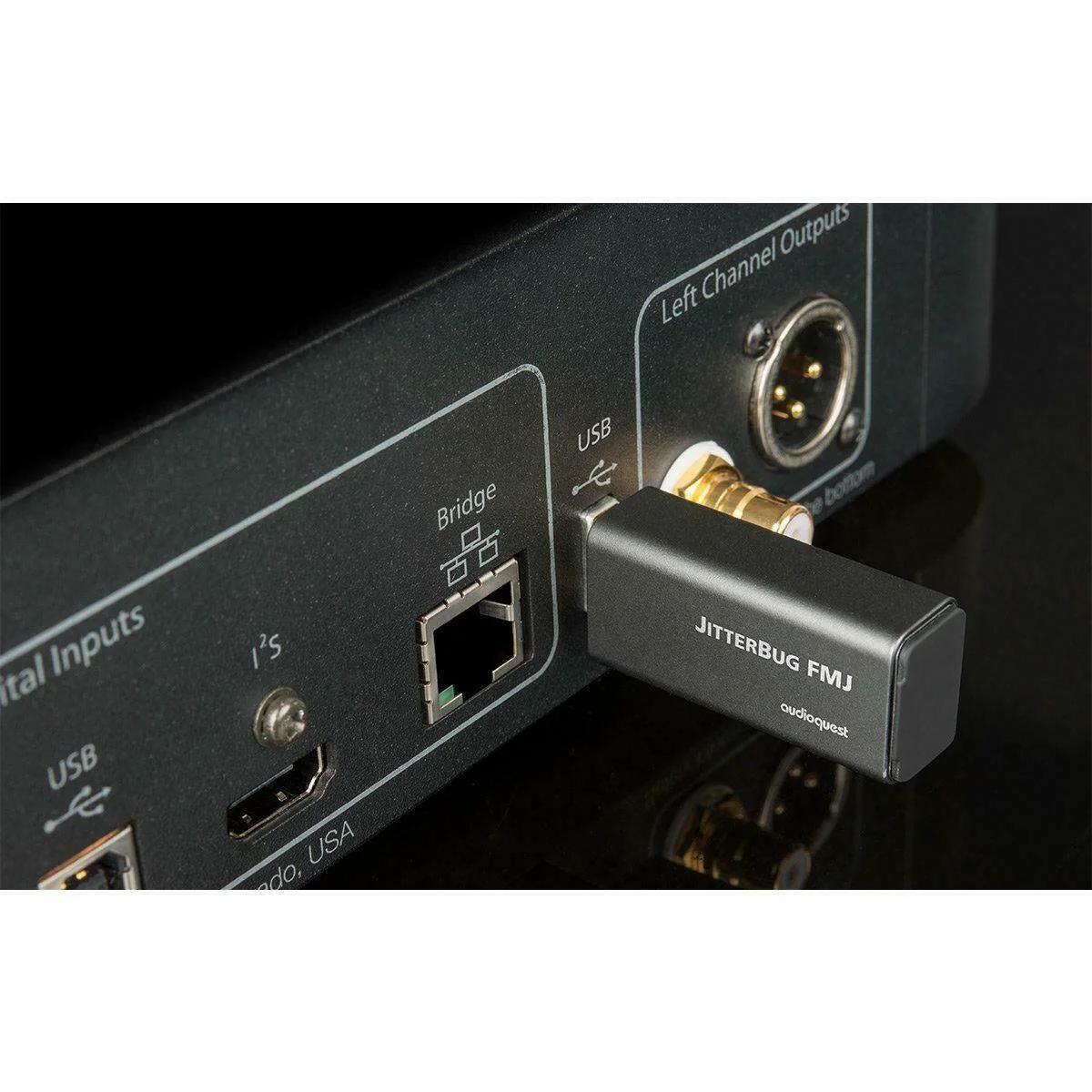
Whether used in series (in-line) or in parallel, JitterBug significantly reduces contamination from RF generated by a computer, car, or other device—JitterBug FMJ also thoroughly addresses environmental RF Noise taking advantage of this vulnerable interface.
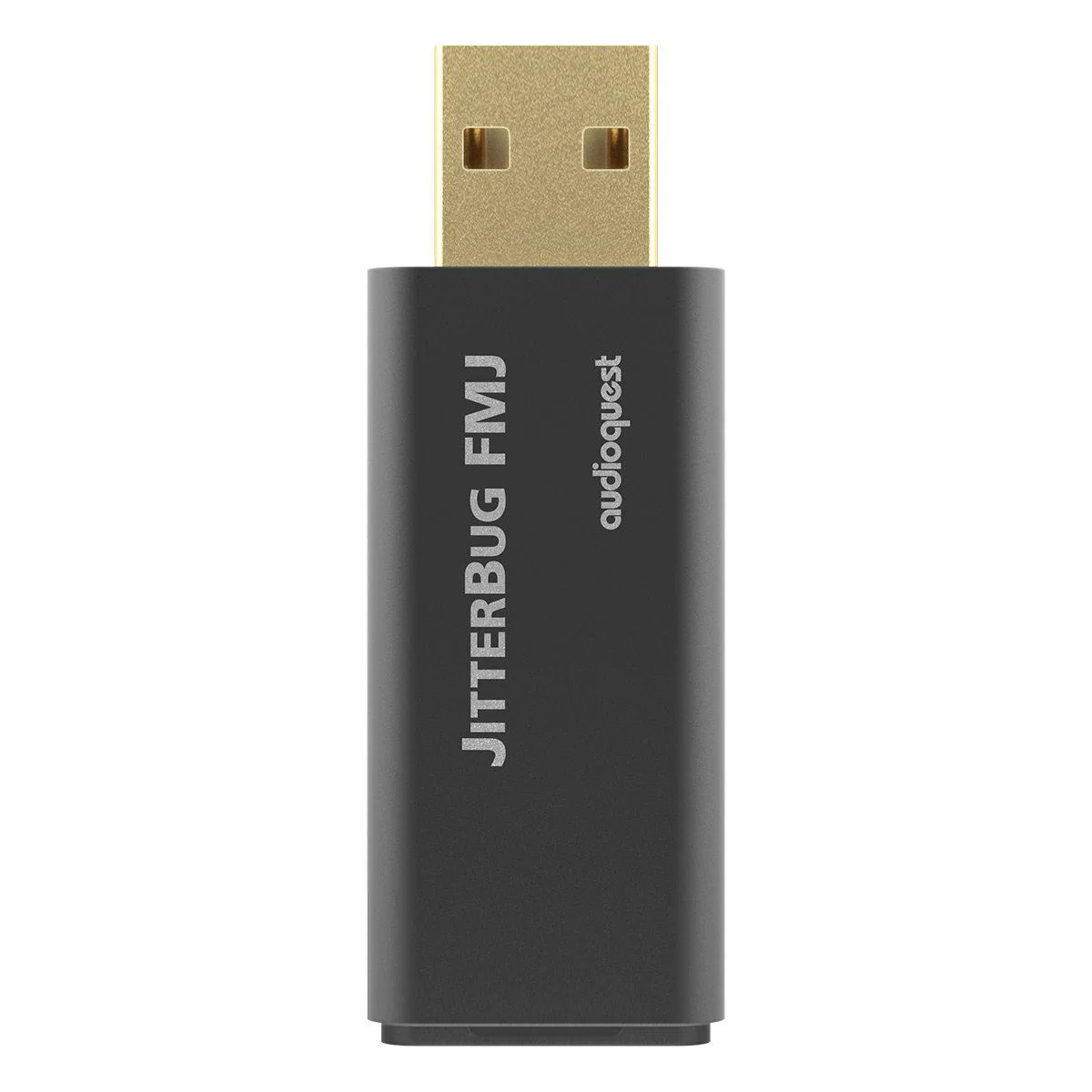
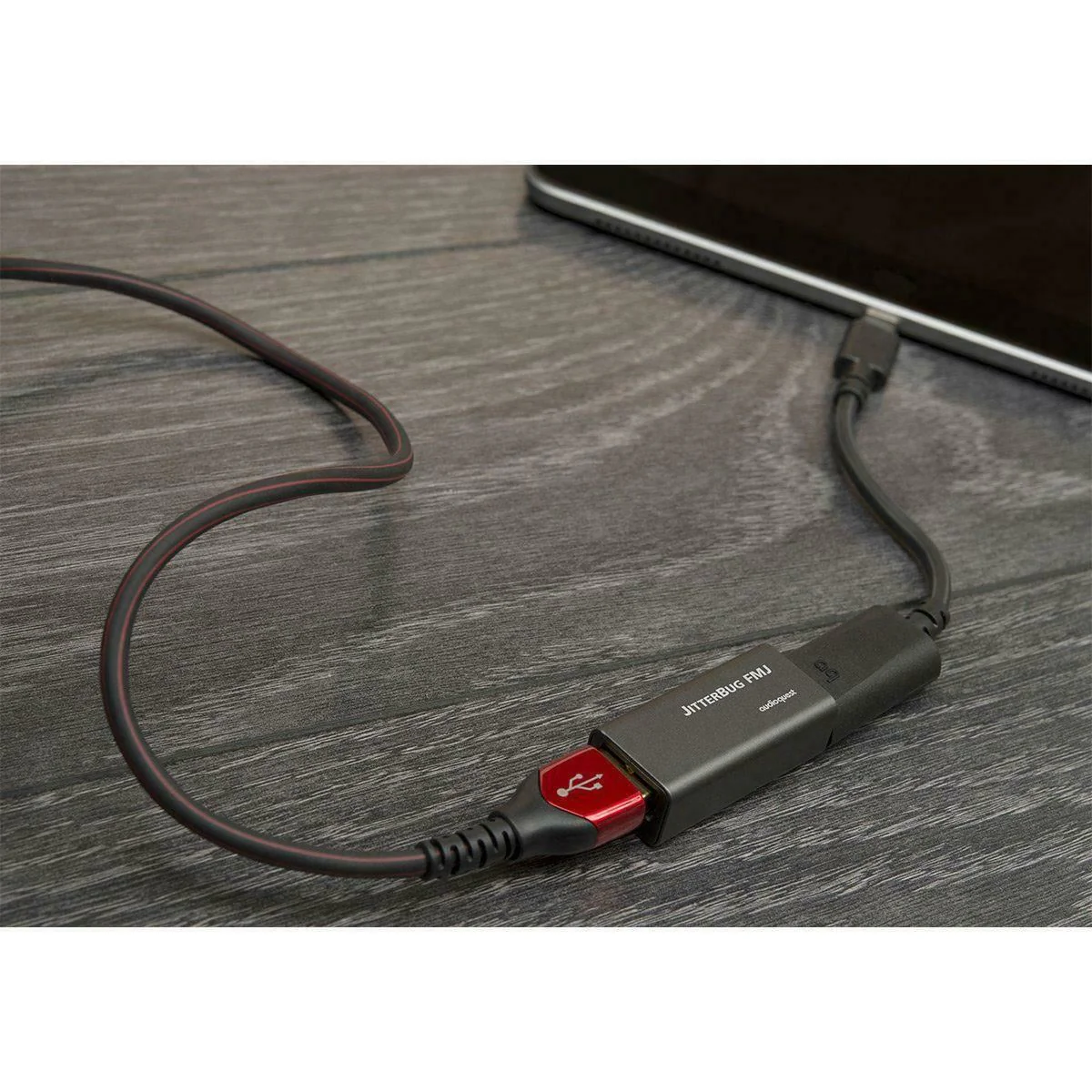
The new metal case is the most obvious change, though even the seemingly innocuous hinged “rubber” piece covering JitterBug’s output is crucial to JitterBug’s improved performance. That little black “door” is RF-proof thanks to the material being substantially RF-absorbing Carbon.
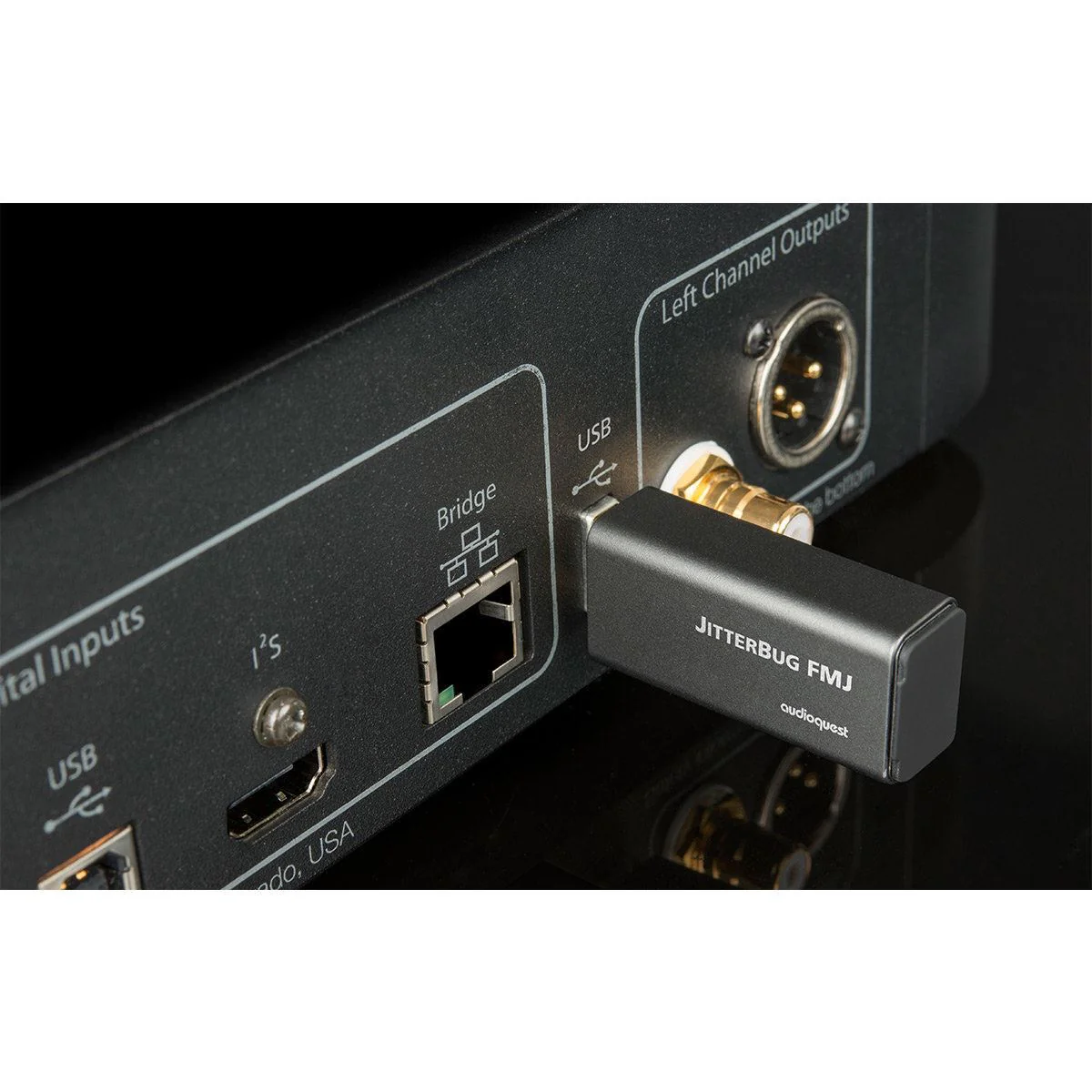
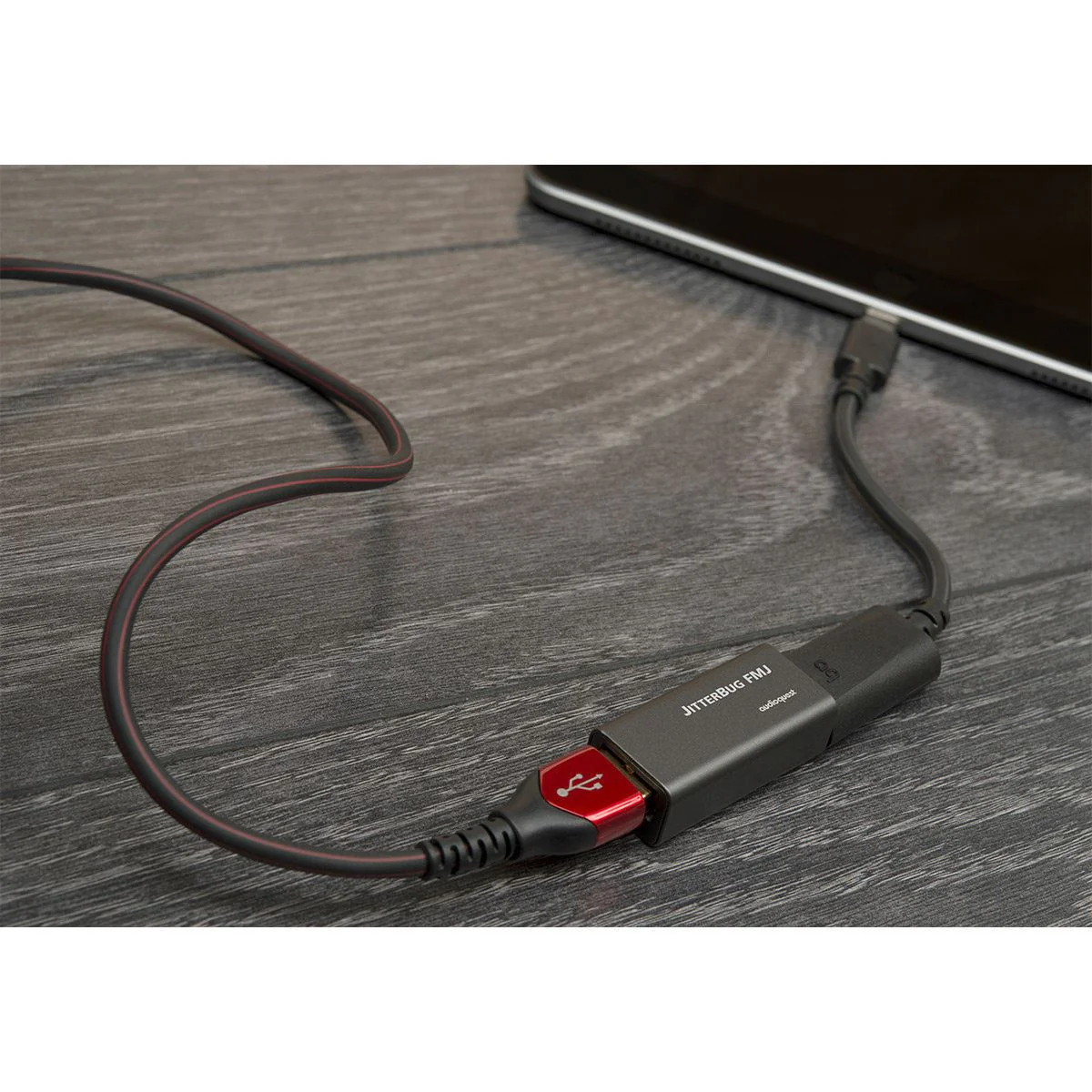
Employ one JitterBug in series between any computer, smartphone, NAS, streamer, or car audio system and a USB input. For an additional sonic improvement, use a second JitterBug in another unoccupied USB port—in parallel to the first - except with JitterBug FMJ’s front door closed.
A JitterBug in series with DragonFlys Black or Red always helps those wonderful creatures fly higher and faster. However, it’s best to experiment when putting a JitterBug in front of a DragonFly Cobalt—which itself employs some of JitterBug’s filtering, and so the two filters in series can help or hurt performance depending on specific equipment and context.
Regardless of which DragonFly or any other considerations, a 2nd JitterBug in parallel is always a delightful improvement as it pulls more RF Noise off the USB power bus—which is why and how a JitterBug makes just as big an improvement even when plugged into service-only or update-only USB ports on many devices.
Noise reduction and noise dissipation is AudioQuest! One can’t hear our modern world’s pervasive RF Noise itself, but the compromises it causes robs us of detail and contrast, and outright buries so much subtlety. Fight back with JitterBug FMJ.
Product Information
Product Information
Shipping & Returns
Shipping & Returns
AudioQuest JitterBug FMJ - USB Data & Power Noise Filter
AudioQuest JitterBug FMJ - USB Data & Power Noise Filter
AudioQuest JitterBug FMJ - USB 2
Many tens of thousands of music lovers are already enjoying better audio enabled by the original AudioQuest JitterBug USB Noise Filter - whether plugged into a car’s USB jack, or a laptop computer, or a USB “service-only” jack on an Ethernet Streamer, etc…
Whether used in series (in-line) or in parallel, JitterBug significantly reduces contamination from RF generated by a computer, car, or other device—JitterBug FMJ also thoroughly addresses environmental RF Noise taking advantage of this vulnerable interface.
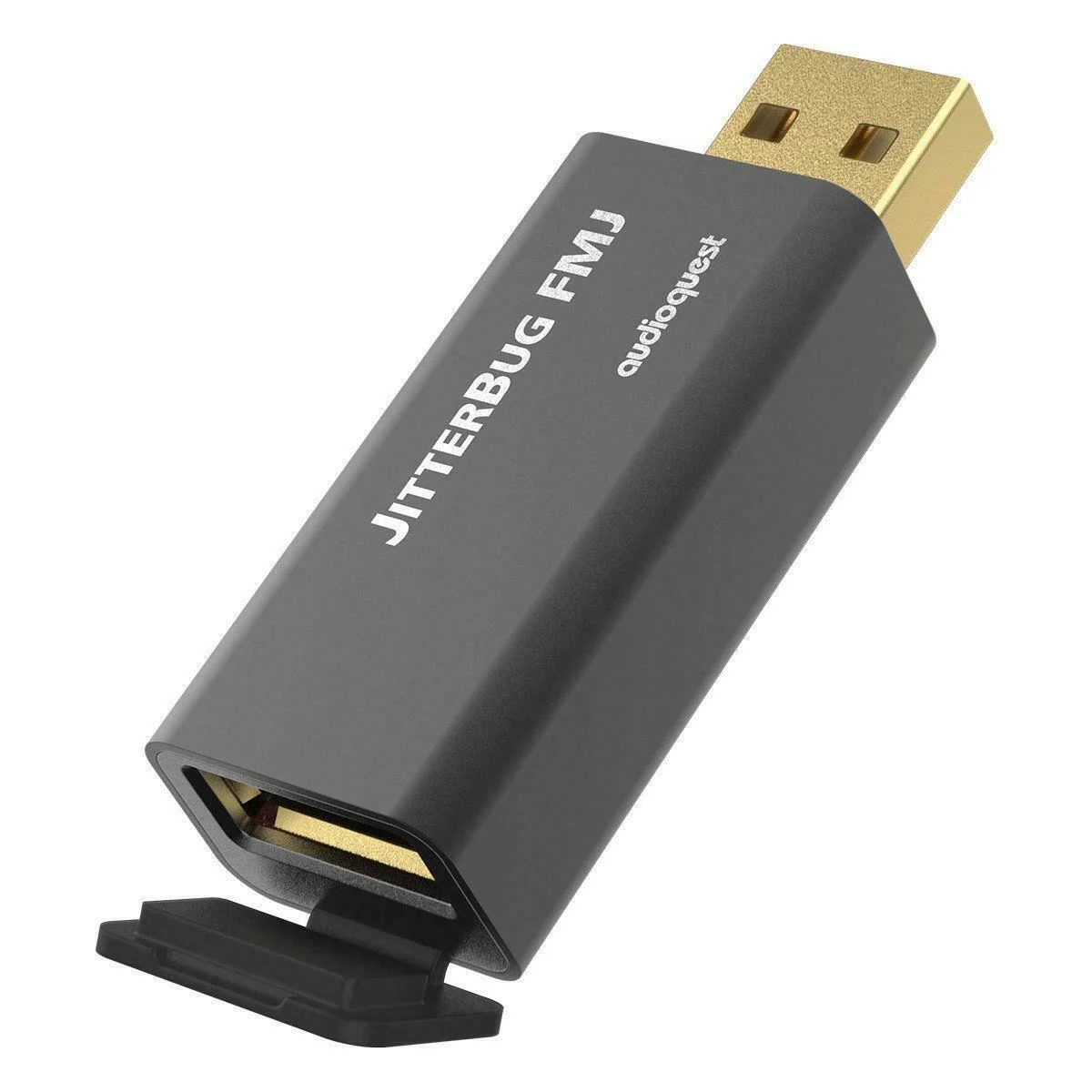
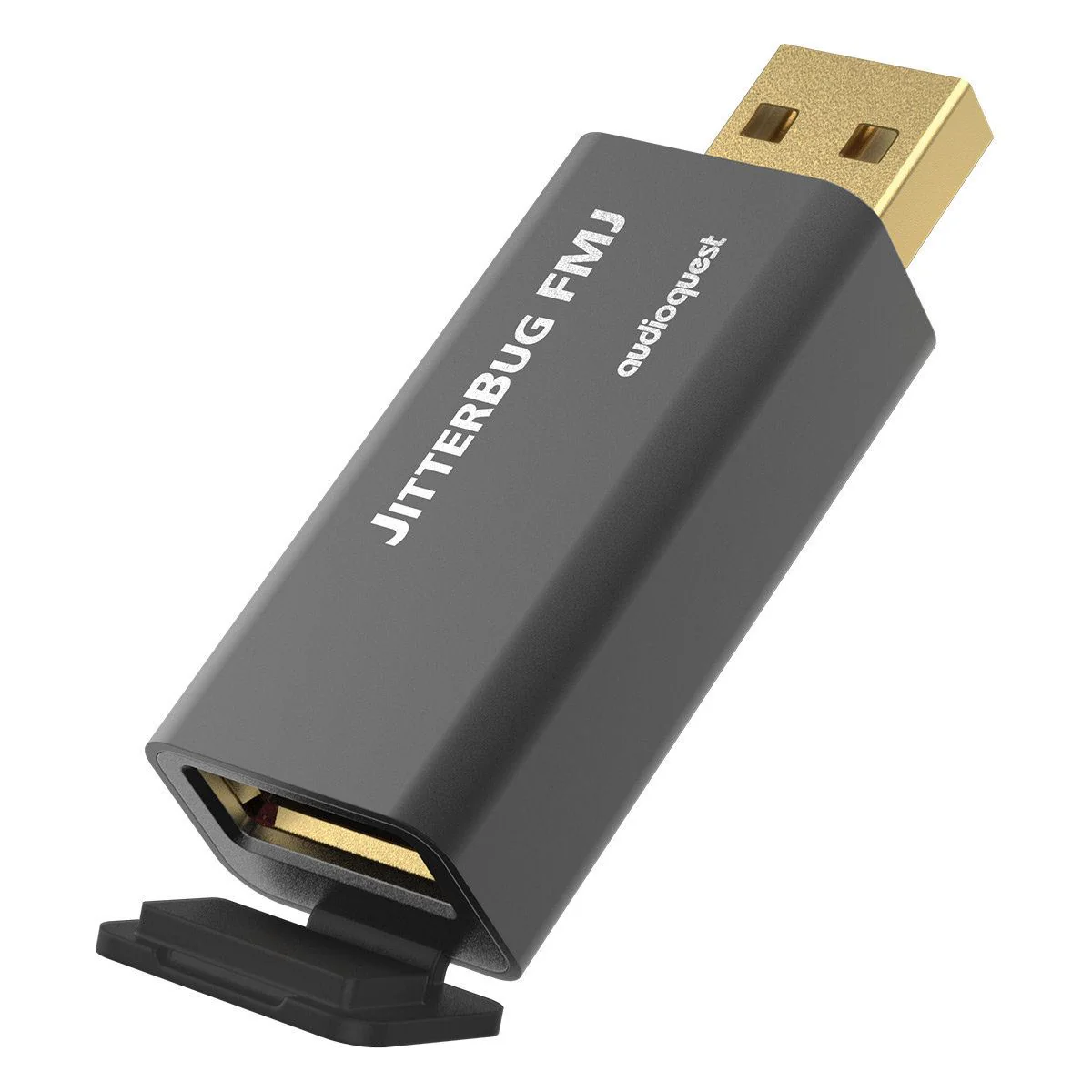
The new metal case is the most obvious change, though even the seemingly innocuous hinged “rubber” piece covering JitterBug’s output is crucial to JitterBug’s improved performance. That little black “door” is RF-proof thanks to the material being substantially RF-absorbing Carbon.
Employ one JitterBug in series between any computer, smartphone, NAS, streamer, or car audio system and a USB input. For an additional sonic improvement, use a second JitterBug in another unoccupied USB port—in parallel to the first - except with JitterBug FMJ’s front door closed.
A JitterBug in series with DragonFlys Black or Red always helps those wonderful creatures fly higher and faster. However, it’s best to experiment when putting a JitterBug in front of a DragonFly Cobalt—which itself employs some of JitterBug’s filtering, and so the two filters in series can help or hurt performance depending on specific equipment and context.
Regardless of which DragonFly or any other considerations, a 2nd JitterBug in parallel is always a delightful improvement as it pulls more RF Noise off the USB power bus—which is why and how a JitterBug makes just as big an improvement even when plugged into service-only or update-only USB ports on many devices.
Noise reduction and noise dissipation is AudioQuest! One can’t hear our modern world’s pervasive RF Noise itself, but the compromises it causes robs us of detail and contrast, and outright buries so much subtlety. Fight back with JitterBug FMJ.
Original: $69.95
-70%$69.95
$20.98Product Information
Product Information
Shipping & Returns
Shipping & Returns
Description
AudioQuest JitterBug FMJ - USB 2
Many tens of thousands of music lovers are already enjoying better audio enabled by the original AudioQuest JitterBug USB Noise Filter - whether plugged into a car’s USB jack, or a laptop computer, or a USB “service-only” jack on an Ethernet Streamer, etc…
Whether used in series (in-line) or in parallel, JitterBug significantly reduces contamination from RF generated by a computer, car, or other device—JitterBug FMJ also thoroughly addresses environmental RF Noise taking advantage of this vulnerable interface.
The new metal case is the most obvious change, though even the seemingly innocuous hinged “rubber” piece covering JitterBug’s output is crucial to JitterBug’s improved performance. That little black “door” is RF-proof thanks to the material being substantially RF-absorbing Carbon.
Employ one JitterBug in series between any computer, smartphone, NAS, streamer, or car audio system and a USB input. For an additional sonic improvement, use a second JitterBug in another unoccupied USB port—in parallel to the first - except with JitterBug FMJ’s front door closed.
A JitterBug in series with DragonFlys Black or Red always helps those wonderful creatures fly higher and faster. However, it’s best to experiment when putting a JitterBug in front of a DragonFly Cobalt—which itself employs some of JitterBug’s filtering, and so the two filters in series can help or hurt performance depending on specific equipment and context.
Regardless of which DragonFly or any other considerations, a 2nd JitterBug in parallel is always a delightful improvement as it pulls more RF Noise off the USB power bus—which is why and how a JitterBug makes just as big an improvement even when plugged into service-only or update-only USB ports on many devices.
Noise reduction and noise dissipation is AudioQuest! One can’t hear our modern world’s pervasive RF Noise itself, but the compromises it causes robs us of detail and contrast, and outright buries so much subtlety. Fight back with JitterBug FMJ.